

Learn how to make your MA Health Connector online payment easily and securely. This guide covers using the member portal, guest payment, AutoPay, deadlines, first payment, and troubleshooting tips to ensure your coverage activation stays on track.
Introduction – Your Guide to MA Health Connector Online Payment
Paying your health insurance doesn’t have to be stressful. With the MA Health Connector online payment system, managing your monthly premiums is easier, faster, and more secure than ever. Whether you’re a first-time user or a long-time member, knowing how to make a payment, understanding payment deadlines, and using the member portal correctly can save you time, hassle, and even keep your coverage active.
The Massachusetts Health Connector is your community health marketplace, helping individuals and families get the health coverage they need. One of its best features is the online payment option, which allows you to pay your premium safely from home. You don’t need to visit an office, mail a check, or worry about missed payments. With the MA Health Connector online payment portal, you can log in, choose your payment method, and confirm your payment in just a few steps.
For those wondering about payment methods, here’s the scoop: The system accepts checking or savings accounts for online transactions, offers AutoPay for recurring payments, and even allows a guest payment option if you don’t have a portal account. Just remember, credit and debit cards are not accepted online, so plan accordingly. Paying on time is key because your coverage activation depends on it. If your payment is late, your health plan could be delayed or canceled, which no one wants!
Not sure what to do if you encounter an issue? The MA Health Connector online payment portal has clear instructions, and the system provides payment confirmations so you know your money went through. And if you miss a payment, the portal explains what happens next and your options, making it easier to stay on track.
Whether it’s your first payment, setting up AutoPay, or using guest payment options, this guide will walk you through everything step by step. You’ll learn how to navigate the member portal, check payment deadlines, avoid common mistakes, and even troubleshoot issues—all while keeping your coverage secure and your mind at ease.
By the end of this article, you’ll feel confident handling the MA Health Connector online payment, saving yourself stress, time, and unnecessary phone calls. So let’s dive in and make paying your health plan simple, fast, and worry-free!
Step-by-Step Instructions for Making Your MA Health Connector Online Payment
Paying your MA Health Connector online doesn’t have to be confusing. Whether you’re a first-time payer or a returning member, following these simple steps ensures your premium payment is processed quickly, safely, and correctly.
Step 1: Access the Member Portal
Start by logging into your MA Health Connector member portal. If you don’t have an account yet, you can use the guest payment option, which allows you to pay your premium without creating a full account. Make sure you have your Member ID and plan information ready—these are needed to confirm your payment.
Step 2: Choose Your Payment Method
The MA Health Connector online payment system accepts checking or savings accounts for online transactions. You can also set up AutoPay to automatically deduct your monthly premium from your bank account. Remember, credit and debit cards are not accepted online, so plan accordingly.
Step 3: Enter Payment Information
Carefully enter your bank account details, the amount you want to pay, and any required billing information. Double-check everything! Small mistakes can cause delays or failed payments, and you want to make sure your coverage activation isn’t affected.
Step 4: Review and Confirm
Before submitting, review all your payment details. Confirm that your Member ID, payment amount, and bank information are correct. Once you click “Submit Payment,” the portal will generate a payment confirmation. Save this confirmation—it’s your proof that the payment went through successfully.
Step 5: Check Payment Deadlines
Your premium payment must be received on time—usually by the 23rd day of the month preceding coverage. Timely payment ensures your health plan stays active and prevents lapses in coverage. If a payment is missed, the portal will guide you on what happens next and your options to catch up.
Step 6: Troubleshooting and Tips
If you run into issues with login, portal errors, or old account information, don’t panic. The MA Health Connector online payment portal provides troubleshooting steps, and customer support is available to help. Avoid using third-party bill-pay services—they can cause delays or mistakes.
By following these steps, your MA Health Connector online payment will be smooth and stress-free. Setting up AutoPay or using the guest payment option makes future payments even easier, giving you peace of mind while keeping your coverage active.
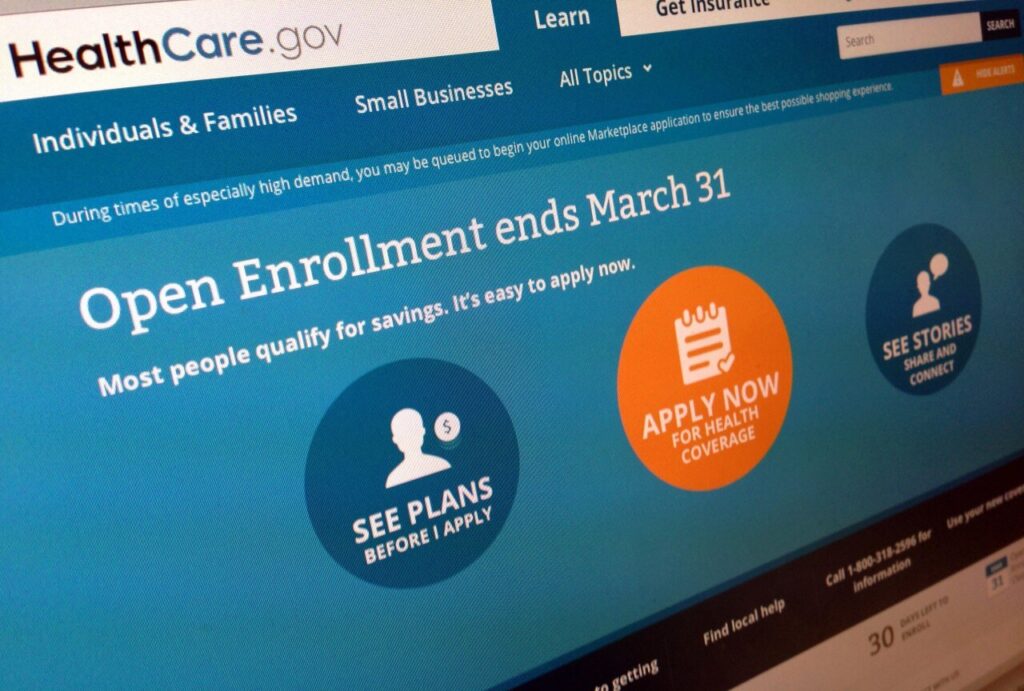
Accepted Payment Methods & Restrictions
When it comes to your MA Health Connector online payment, knowing which payment methods are accepted is key to keeping your coverage active and avoiding any unnecessary stress. The good news? The system is simple, secure, and designed to make paying your premium as easy as possible.
1. Online Payments via Member Portal
The most popular way to pay is through the member portal. You can use your checking or savings account to submit your premium payment online. This method is safe, fast, and ensures your coverage activation happens immediately after the payment clears.
2. AutoPay Option
For ultimate convenience, you can set up AutoPay. This allows your monthly premium to be automatically withdrawn from your bank account on the due date, so you never have to worry about missing a payment. Setting up AutoPay also gives you peace of mind—no more late fees or coverage lapses.
3. Guest Payment Option
If you don’t have a member portal account, you can still pay using the guest payment option. All you need is your Member ID and plan information. The portal will guide you step by step to ensure your first payment or any subsequent payment is applied correctly.
4. Phone and Mail Payments
You can also make your premium payment over the phone or by mailing a check or money order. These options are useful if you don’t have internet access. However, they may take longer to process, so it’s important to pay early to meet deadlines.
5. Payment Restrictions to Keep in Mind
- Credit and debit cards are not accepted online—plan ahead.
- Avoid using third-party bill-pay services for online payments, as errors can delay processing.
- Always double-check your bank information before submitting. Mistakes can prevent coverage activation.
By understanding the accepted payment methods and following these guidelines, you can ensure that your MA Health Connector online payment is processed smoothly every month. Paying your premium on time means you get uninterrupted access to your health plan, giving you peace of mind and keeping your health coverage secure.
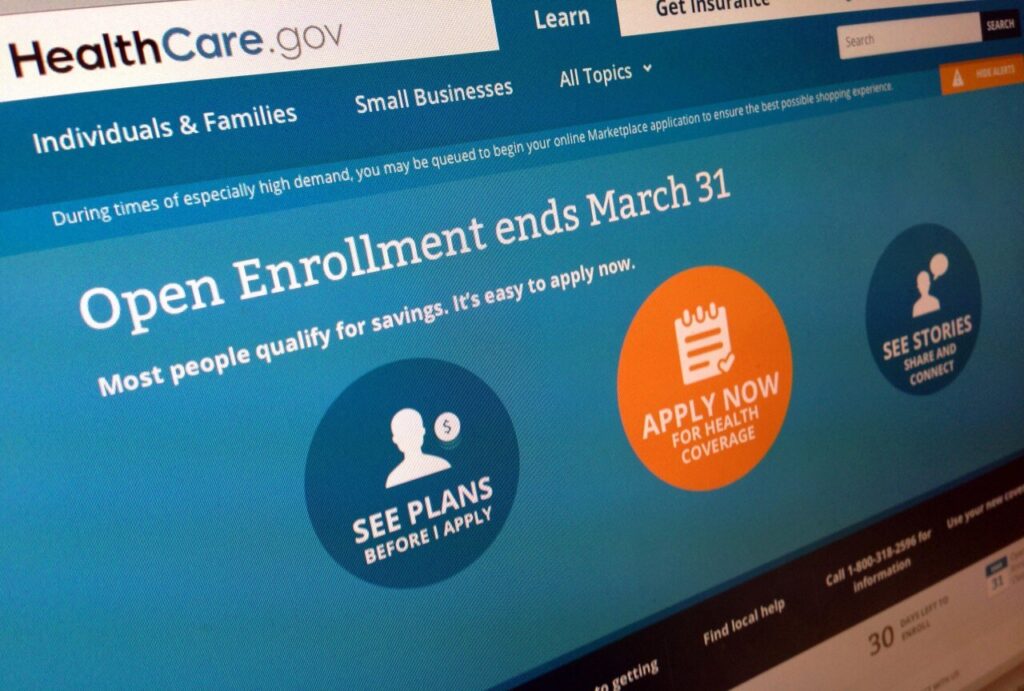
Payment Deadlines & Coverage Activation
One of the most important things to understand about the MA Health Connector online payment is timing. Paying your premium on time ensures that your health plan coverage starts or continues without any interruptions.
1. Monthly Payment Deadlines
For most plans, the premium payment is due by the 23rd day of the month preceding your coverage start date. For example, if your coverage begins on June 1st, your payment should be made by May 23rd. Paying by this date keeps your coverage activation on track and avoids any lapse in benefits.
2. Importance of the First Payment
Your first payment is crucial. Even if you complete your enrollment, your coverage will not be activated until the first MA Health Connector online payment is successfully processed. This ensures that you and your family have access to healthcare services when you need them.
3. What Happens If You Miss a Payment
Missing a payment can lead to serious consequences:
- Your health plan may be canceled or delayed.
- You may lose access to certain benefits until the payment is processed.
- The MA Health Connector online portal will provide instructions on how to catch up, but avoiding late payments is always easier.
4. Tips to Stay On Track
- Set reminders for your payment deadlines.
- Use AutoPay for recurring premium payments to avoid missing a month.
- Confirm your payment through the member portal to ensure coverage activation is successful.
By staying aware of deadlines and understanding the role of your first payment, you can make your MA Health Connector online payment process seamless. Timely payments not only keep your health plan active but also provide peace of mind knowing your healthcare coverage is secure.
Troubleshooting Common Issues & Tips
Even though the MA Health Connector online payment system is designed to be smooth and user-friendly, sometimes problems can happen. Don’t worry—most issues are easy to fix if you know what to look for.
1. Login Problems
If you can’t access the member portal, double-check your Member ID and password. Forgot your password? Use the portal’s “reset password” option. For first-time users, make sure your account is fully activated before trying to pay your first payment.
2. Portal Errors or Payment Failures
Sometimes the portal may experience errors, or a payment might not go through. If this happens:
- Refresh the page or try a different browser.
- Ensure your bank information is entered correctly.
- Avoid using third-party bill-pay services—they can delay coverage activation or cause payment mistakes.
3. Common Mistakes to Avoid
- Entering the wrong Member ID or plan information.
- Trying to pay with credit or debit cards, which are not accepted online.
- Missing the monthly payment deadline (23rd day of the month preceding coverage).
4. Helpful Tips for a Smooth Payment
- Use AutoPay to automatically pay your monthly premium and never miss a deadline.
- Keep a payment confirmation for each transaction.
- If you encounter an issue, call MA Health Connector customer service immediately to resolve it.
- Double-check that your coverage activation shows successful after payment.
5. What to Do If You Miss a Payment
If you accidentally miss your payment, don’t panic. The portal will show you your options, which may include submitting a late payment or contacting customer service. Taking action quickly helps restore your health plan coverage and avoids further complications.
By following these troubleshooting tips, paying your MA Health Connector online payment becomes stress-free and reliable. Knowing how to handle portal issues, payment errors, and deadlines ensures your coverage activation happens without interruptions, keeping your health plan active and your mind at ease.
FAQs and Additional Tips
Paying your MA Health Connector online payment can raise a few questions, especially if it’s your first payment. Here are the most common FAQs, along with tips to make the process easier and smoother.
1. How do I pay if I don’t have a member portal account?
You can use the guest payment option. Simply enter your Member ID and plan information, follow the step-by-step prompts, and submit your premium payment. It’s secure and straightforward, even for first-time users.
2. Can I pay multiple plans at once?
Yes! If you have more than one plan, log into the member portal and select each plan separately for payment. Always confirm that coverage activation is successful for all plans.
3. What happens if I miss my payment?
Missing a payment can cause delays or cancellation of your health coverage. The portal provides clear instructions on what happens if you miss your payment Massachusetts Health Connector, including how to catch up. Using AutoPay can prevent this issue entirely.
4. Can I set up recurring payments?
Absolutely! Use AutoPay to automatically deduct your premium payment from your checking or savings account every month. It’s safe, reliable, and ensures you never miss a deadline.
5. How do I confirm my payment went through?
After completing your MA Health Connector online payment, the portal will generate a payment confirmation. Keep a copy for your records to avoid any confusion and to ensure your coverage activation is completed successfully.
6. Tips for a Smooth Payment Experience
- Set reminders for monthly payment deadlines (23rd day of the month preceding coverage).
- Double-check bank information before submitting your premium payment.
- Avoid third-party bill-pay services to prevent errors.
- Contact MA Health Connector customer service if you encounter any issues—they’re there to help.
By following these FAQs and tips, you can make your MA Health Connector online payment process seamless. From guest payment to AutoPay setup, knowing the right steps ensures your first payment and subsequent premium payments go smoothly, keeping your health plan coverage active and stress-free.
Conclusion & Call to Action
Managing your MA Health Connector online payment doesn’t have to be stressful. By understanding the member portal, choosing the right payment method, and staying on top of deadlines, you can keep your health plan coverage active and secure. Whether it’s your first payment, setting up AutoPay, or using the guest payment option, following the steps outlined in this guide ensures a smooth, worry-free experience.
Remember: timely payments matter. Missing your premium payment can lead to delays or lapses in coverage, but with tools like AutoPay and reminders for the 23rd day of the month preceding coverage, you can avoid these issues entirely. Always confirm your payment through the member portal and save your payment confirmation for peace of mind.
If you encounter any problems, don’t panic. The MA Health Connector online payment portal offers troubleshooting tips, and customer support is available to help with login issues, payment errors, or questions about coverage activation. Following these steps ensures your premium payments are processed efficiently and your health plan remains uninterrupted.
Now is the time to take action! Log in to the member portal, make your first payment, or set up AutoPay today. By doing so, you’ll enjoy secure, convenient, and stress-free management of your health insurance. Stay on track, protect your coverage, and make your MA Health Connector online payment with confidence.